Walkthrough
The cassettes
Albumary's app screens are currently shown in English.
Making one
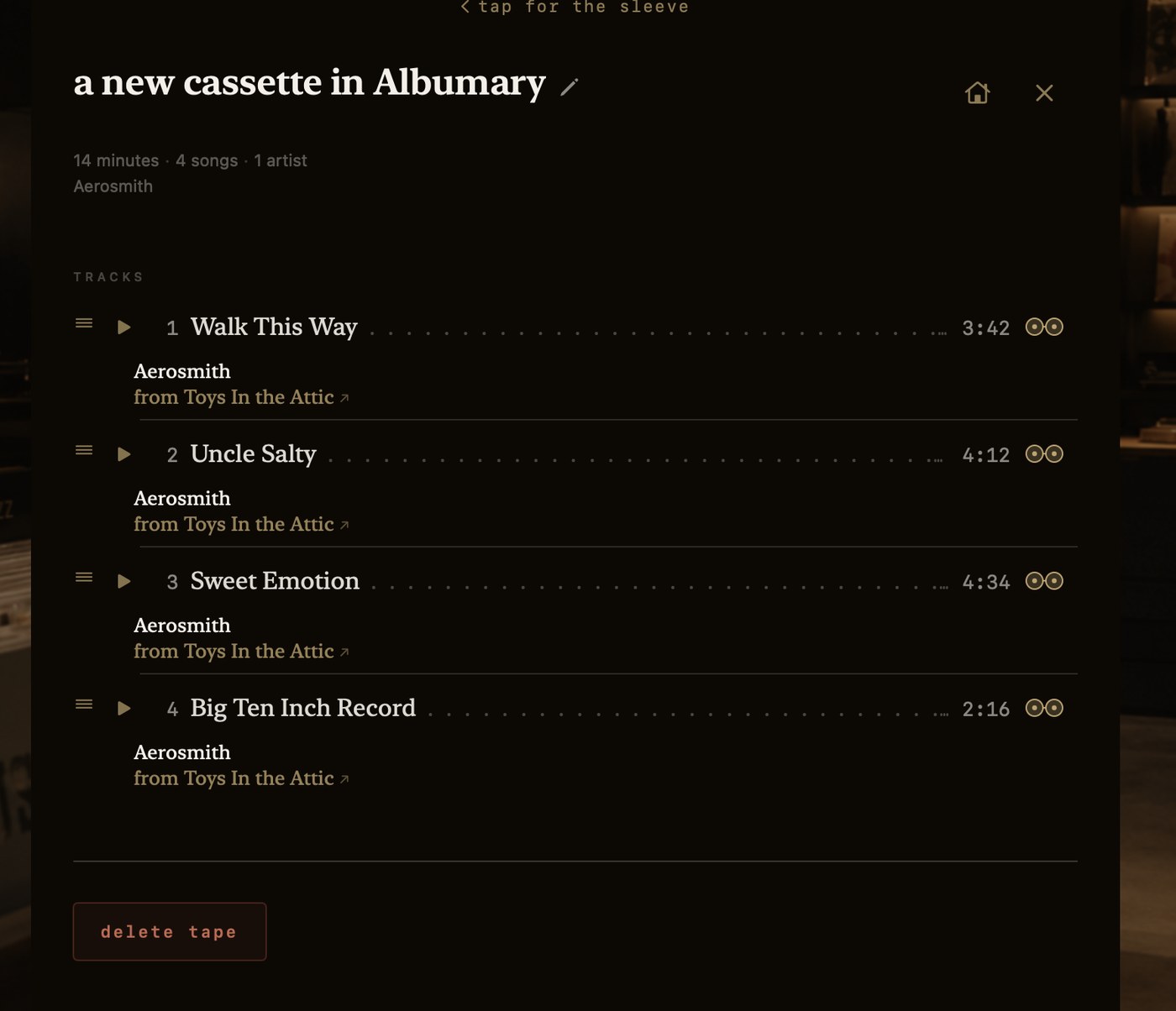
Look at the right-hand edge of any track row. There's a small pair of reels there — blank.
Blank means not picked up. Tap one and it fills amber: that song is going on the tape you're making. Tap it again and it goes blank and the song is put back. Everywhere else in Albumary the reels mean cassette; here they mean this song, on the tape you're making — picked up or not. The head of the tracklist says so in as many words, and the mark beside it records the whole record at once.
A song isn't spent by being used. It can sit on as many tapes as you want it on, and the record it came from is untouched either way.
Now walk. Keep browsing, keep tapping reels. What you've gathered follows you through the store and keeps count, and nothing is committed until you say so.
Where you finish it depends on what you're holding.
Either way
Nothing is written back to Apple Music. A tape you make here exists only here.
What comes out
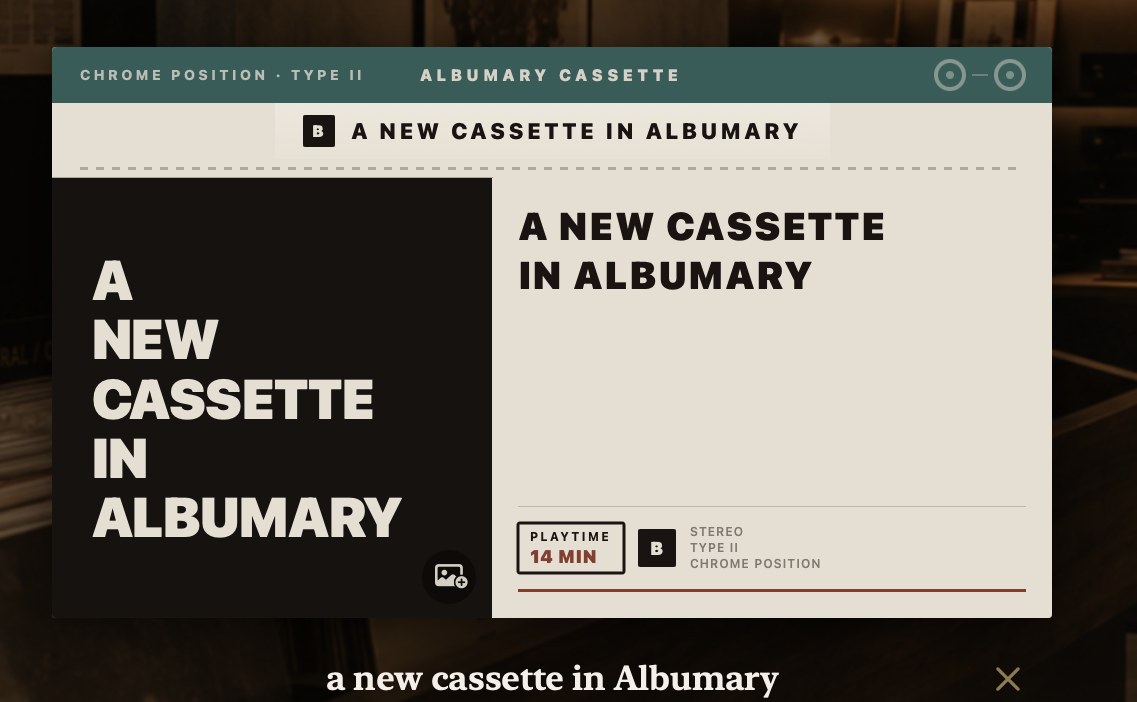
The same object as any other cassette, wearing a few marks of being yours. The band across the top is a different colour and reads Chrome Position · Type II and Albumary Cassette — the better tape stock, which is a wink rather than a claim. It's the B side: the here's-what-I-made-you side.
Its cover, by default, is its own name set as art. And you can give it your own picture instead — that's the small image mark in the corner of the artwork.
Turn it over and it's yours to change: rename it, drag tracks into a new order, take one off — the amber reels are the way off, tap one and it goes blank and the song leaves the tape — or delete the whole thing.
And every playlist you already have
Not just the ones you make. Every playlist you have is a cassette — not a list with a different icon, but a cassette, on a shelf, sorted A–Z or by what's changed recently.
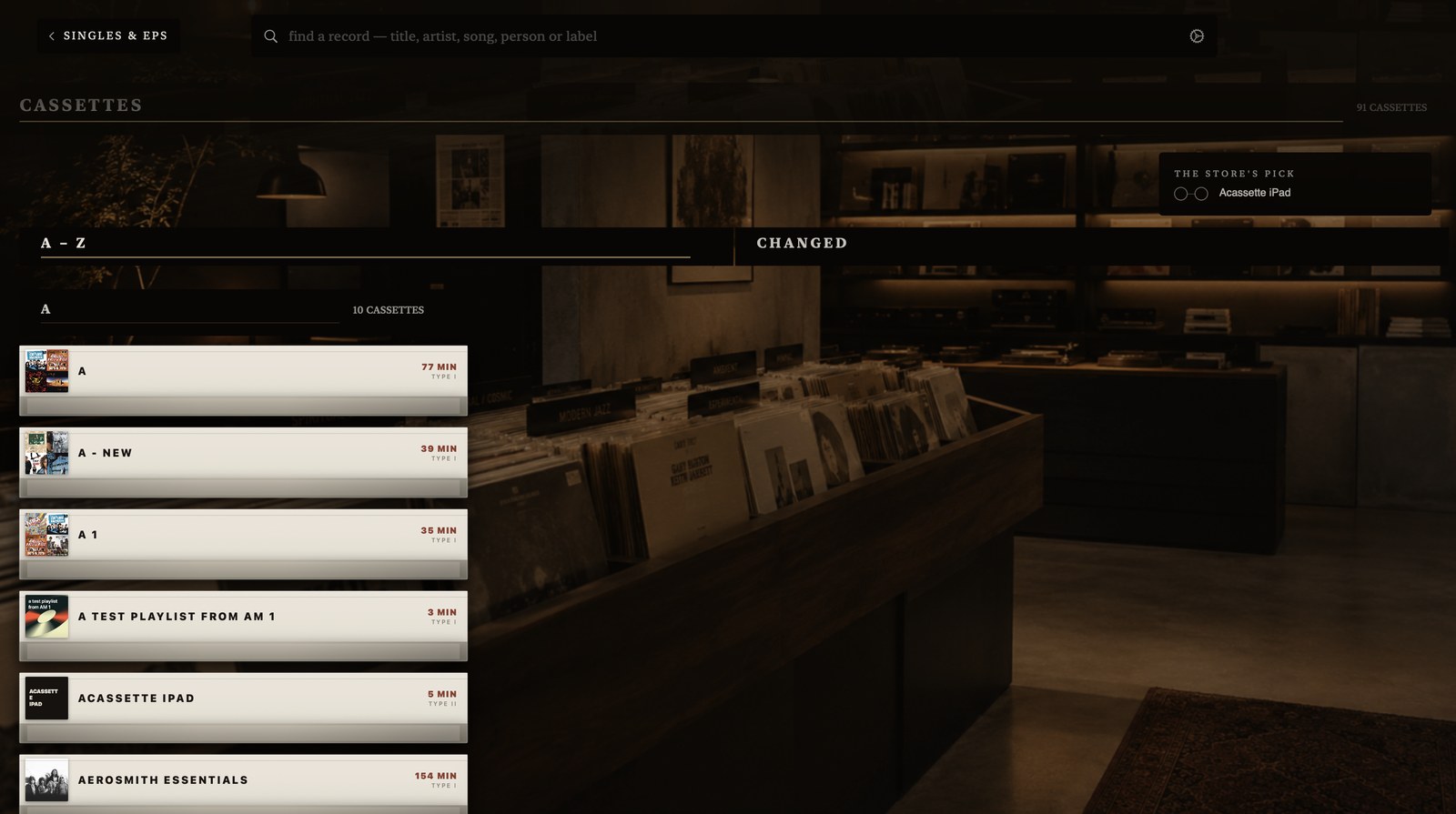
Its second sort is changed rather than added, because a playlist isn't a fixed object — Apple refreshes some of them, you edit others, and what's moved lately is the more useful question.
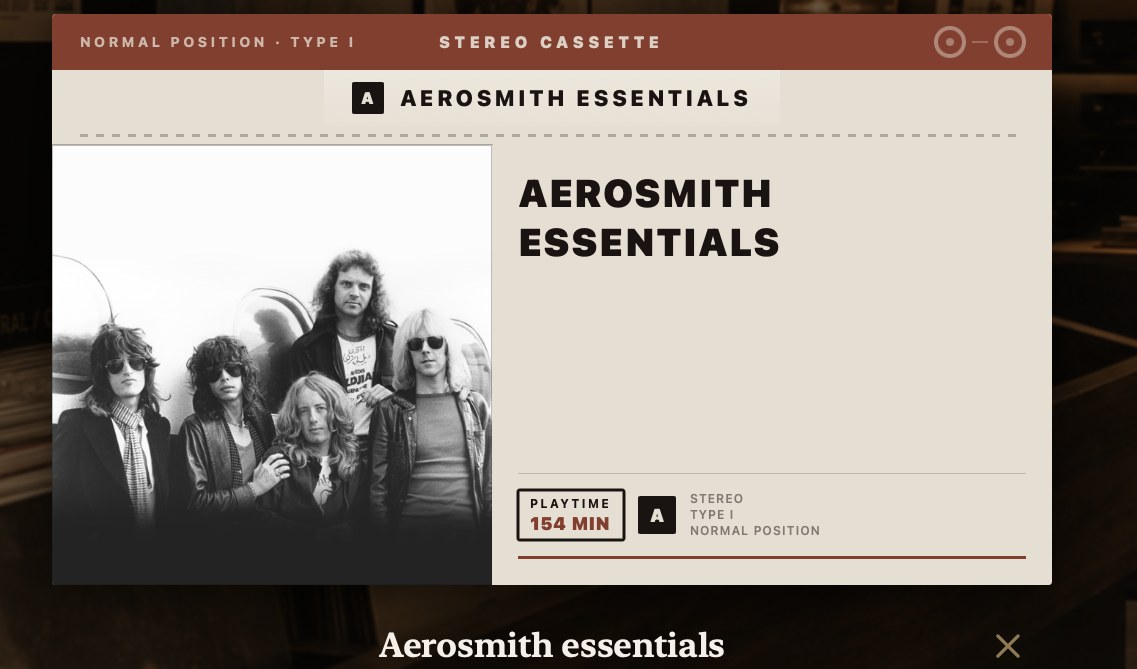
The ones that came in from Apple Music wear the band every commercial tape carried.
Reading a tape
Turn one over.

"Mostly Aerosmith." That's the tape describing itself the way you'd describe it to a friend — and if it were entirely his, it would just say "Aerosmith", because "mostly" would be a lie about a certainty.
Almost every track carries where it came from. Tap that and you step out into the whole album. Which is what makes this an album-first app even when it's handling playlists.
Putting one on
Tap the tape and tap play — the same two actions as a record. Or start it from a track on the J-card, and it runs on from there.
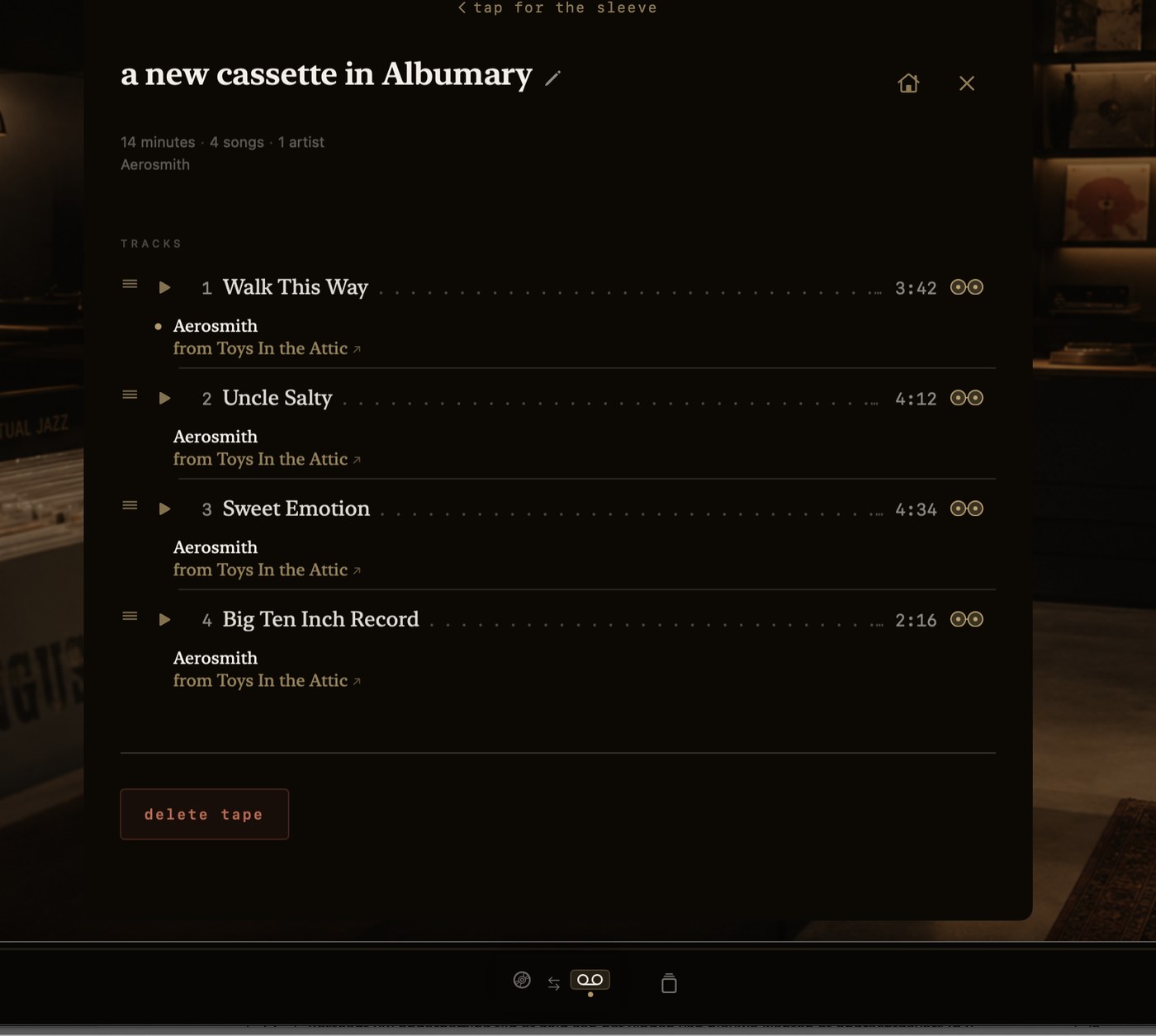
And the tape holds your place. Not the player — the tape. Pause it, go listen to a record, come back tomorrow: the cassette is exactly where you left it, because that's what a cassette does.
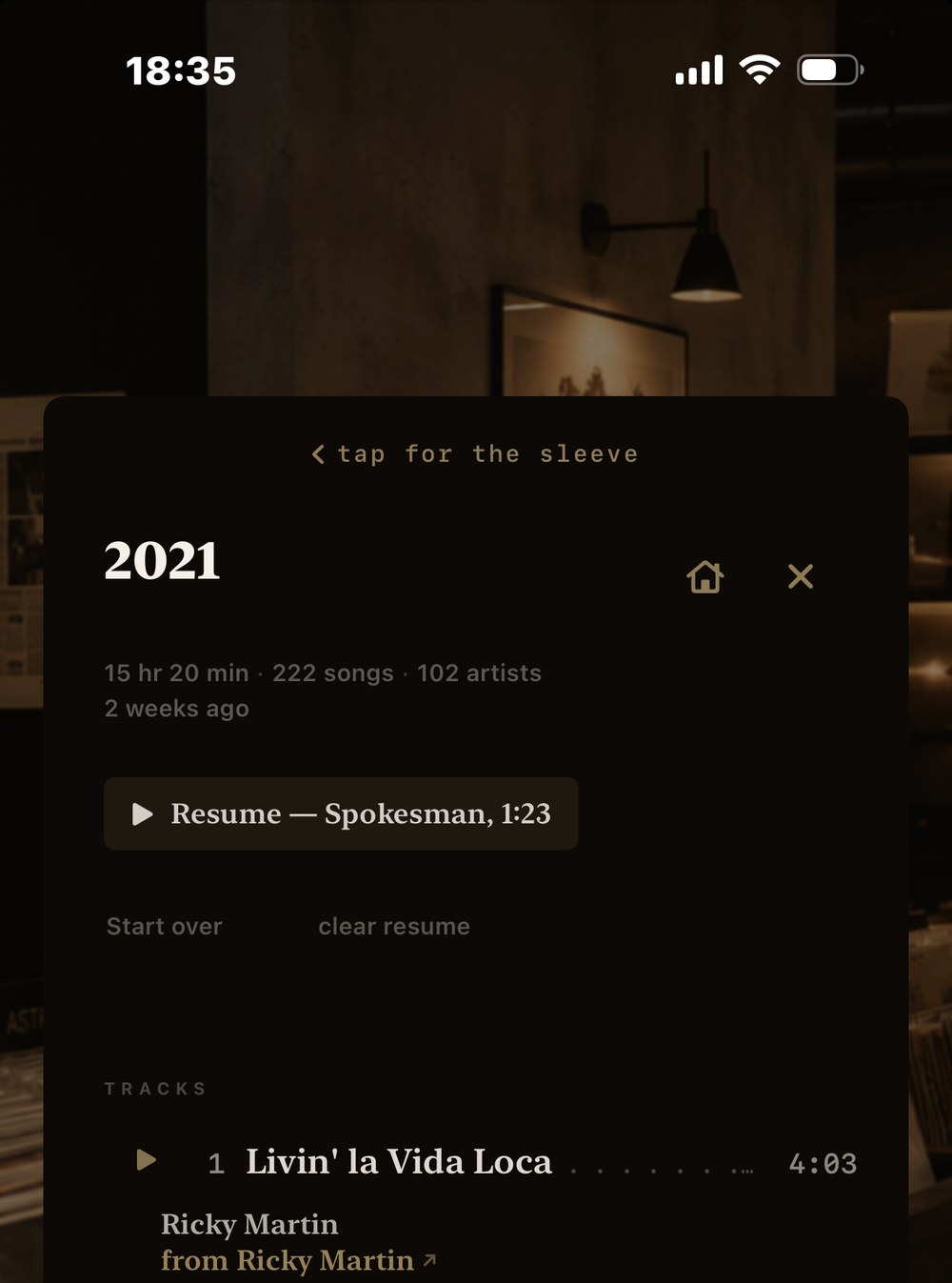
Open it and it offers to pick up where you stopped, by song and by minute. Or to start over. Or to forget where you were, and wait.