Walkthrough
The record
Albumary's app screens are currently shown in English.
Pulling one out
Tap a record and it comes out of the bin toward you. The crates keep scrolling behind it, so you never lose your place.

The front. The cover, big. If a record has no cover at all you get a warm dark sleeve facing away from you, the way a jacketless record sits in a bin. Pinch and it lifts closer — as far as the picture honestly goes, and no further.
Putting it on
Never more than two actions, wherever you are. But the rooms don't all behave the same way, and once you notice why, it makes sense.
On the Main Floor and in Singles & EPs you are still choosing. Tap a record and it comes out of the bin and opens — the sleeve, and the back of it if there's a back worth turning to. Nothing plays yet. You're holding it, not listening to it. Play it when you're ready, or turn it over first and read what's printed there. It waits.
At the Counter and in New Arrivals you have already chosen. These are the records you left out and the ones that just arrived. Tap one and it plays. No second tap — if it's sitting on the counter, the store takes you at your word.
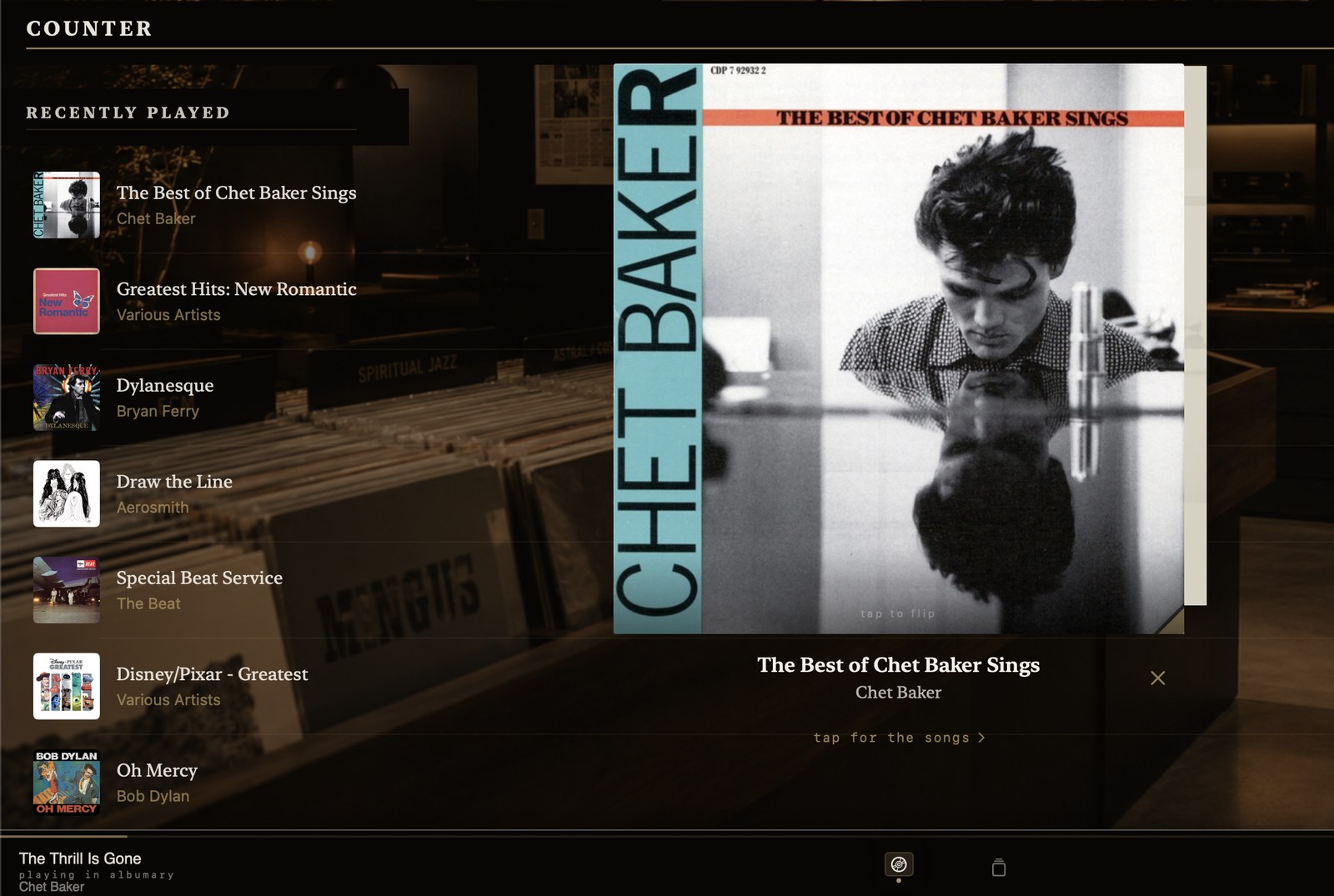
Tap a track instead and it starts there, and keeps going from that point, in its own order, to the end of the side.
Turning it over
Turn it over. It actually turns. Some records have a back to read, and where the pressing has one it's there — the sleeve turned over, printed as it was.
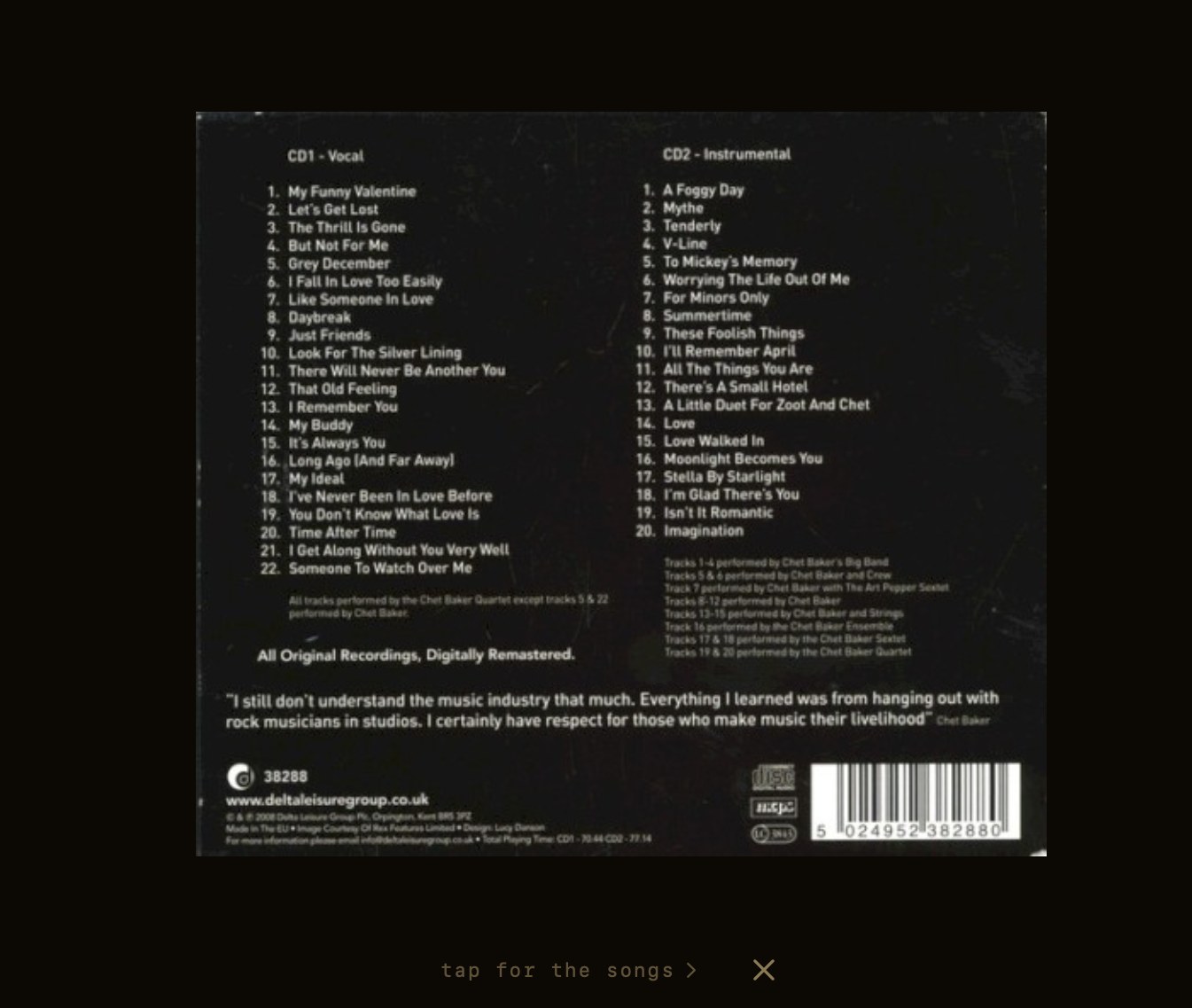
And once more, and the record stops being an image and becomes a document.
Reading it

Three facts, and all three are yours to correct. Genre, the year it came out, the year it's filed under. If you know your copy of that compilation was assembled in 1992, you set it to 1992 and it stays 1992 — your version sits alongside what the app worked out, and clearing your edit falls back to the source rather than to nothing.
The notes. A paragraph about the record where one exists. Where none exists it says so. It will not invent a paragraph to fill the space.
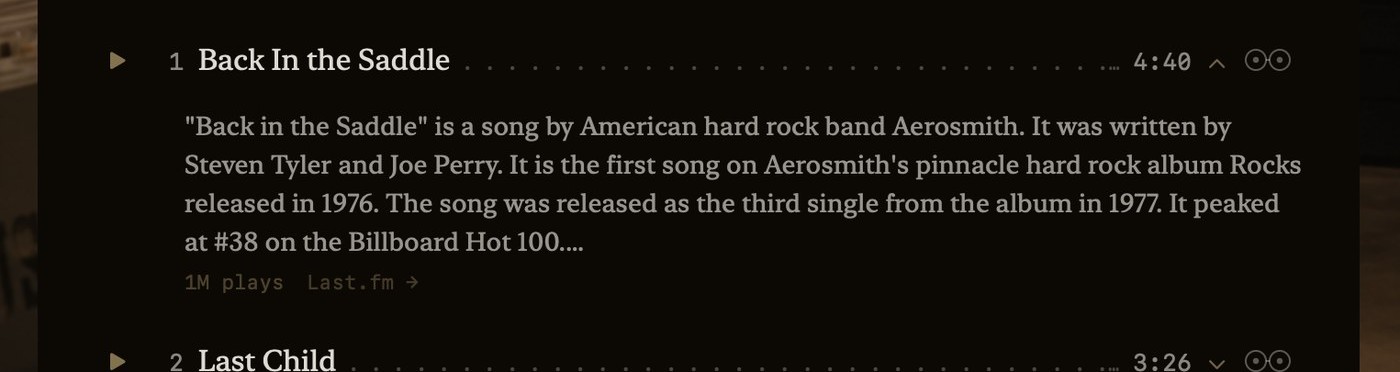

The tracklist, printed the way it is on a sleeve. Tap a track to play from there. Open one and it tells you who wrote it, or what it is.
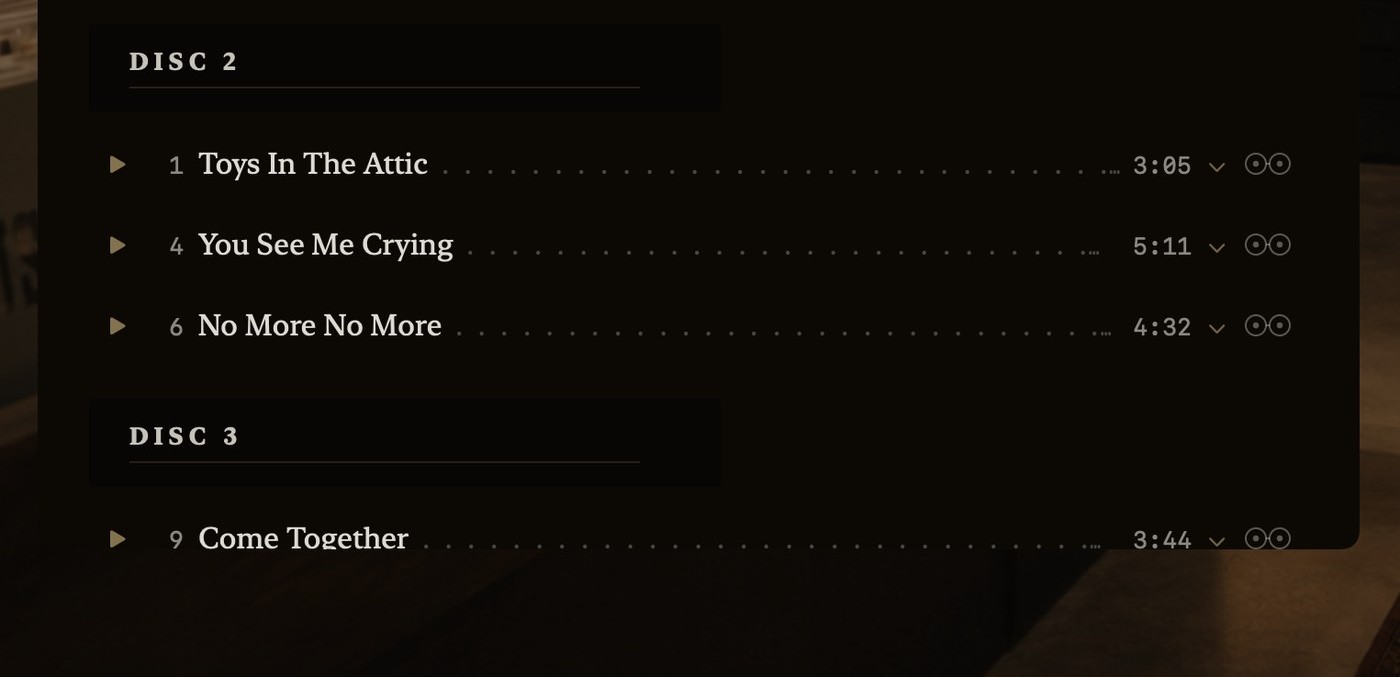
Box sets keep their real shape — and the track numbers stay the ones printed on the record, 1, 4, 6, rather than being renumbered to look tidy.
The credits
Everyone in the room, as far as anyone knows. Writers, players, producers, the art director, the label — where a record's credits have been catalogued. Plenty haven't been, and where nothing was found it says so rather than handing you a short list as though it were the whole one.
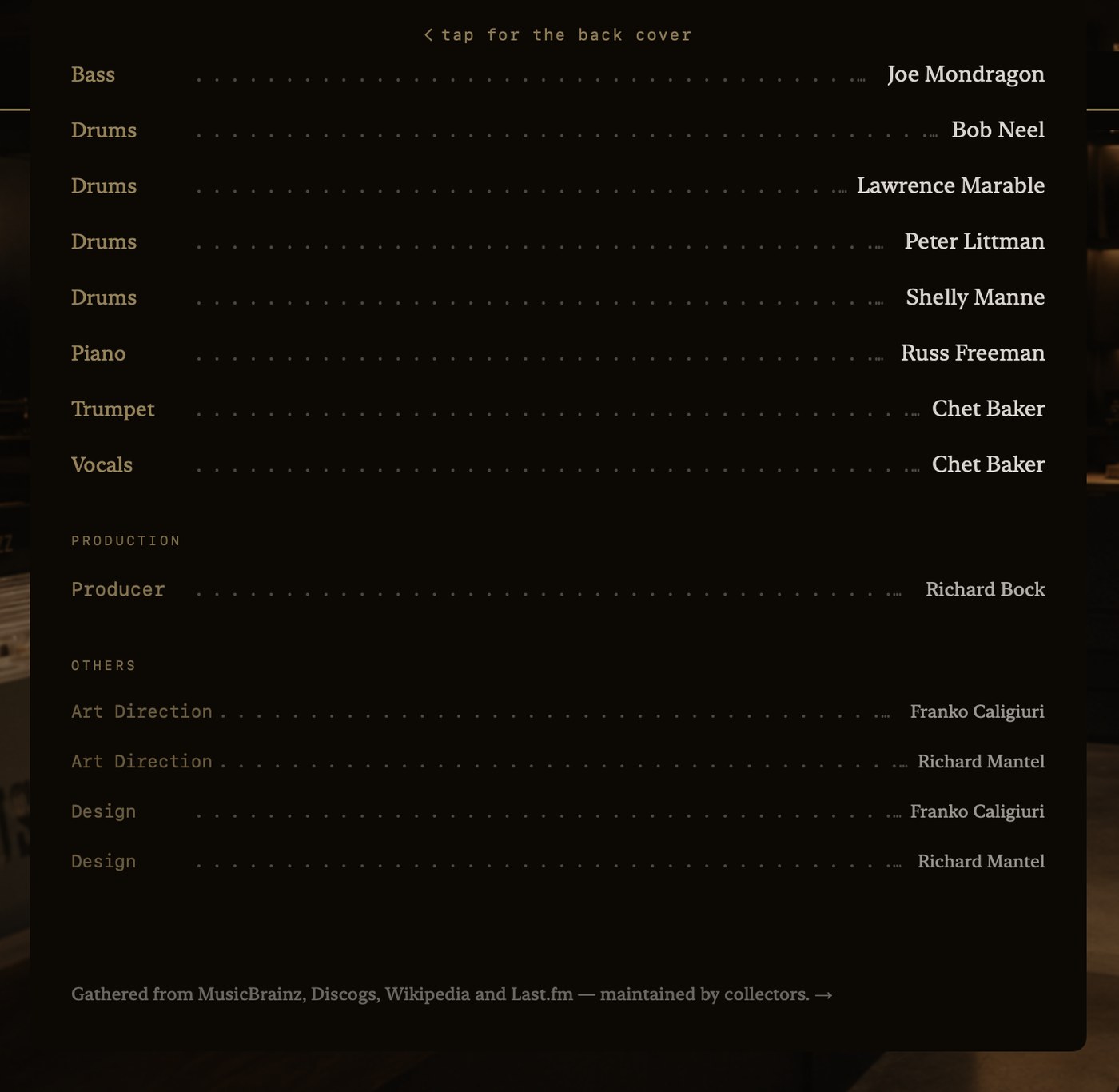
The colophon, last and quiet, on every record. It tells you where it learned what it knows.
Getting around
The store is the same store on every screen, but you don't handle it the same way. On a phone or iPad it's your thumb; on a Mac it's keys and a cursor. Two short stories, one for each — read whichever matches what you're holding.